Stream Master for Android
Your M3U and Xtream playlists, now on Android.
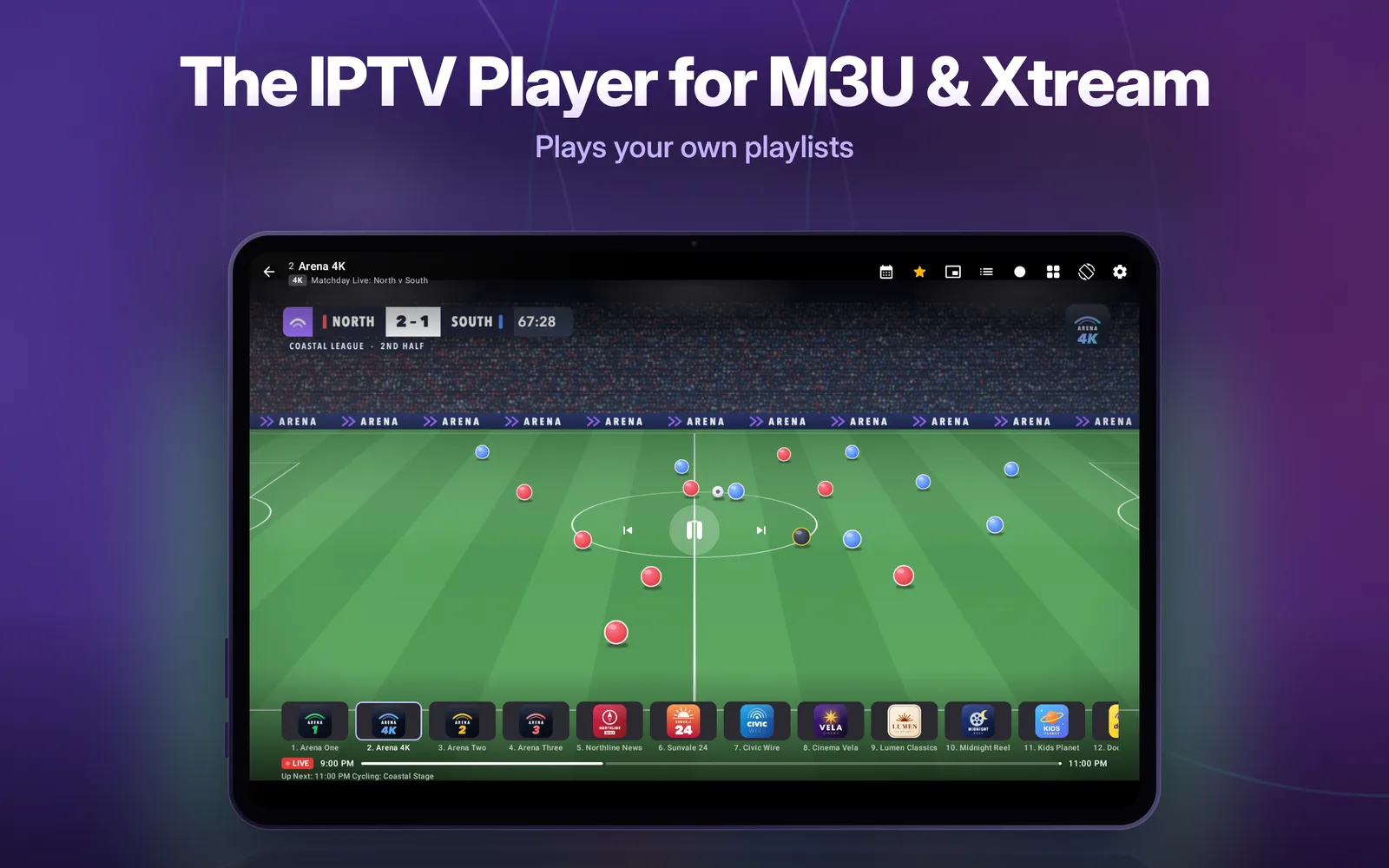
The IPTV player for Android phones and tablets: live TV, movies and series from the playlist you already have, with a TV guide, Chromecast, Multi-View and recording.
Free to start. Android 8.0 or later, phones and tablets.
Free
An IPTV player built for Android
Everything here works on the free version, which has one playlist, up to five favorites and ads.
M3U and Xtream Codes
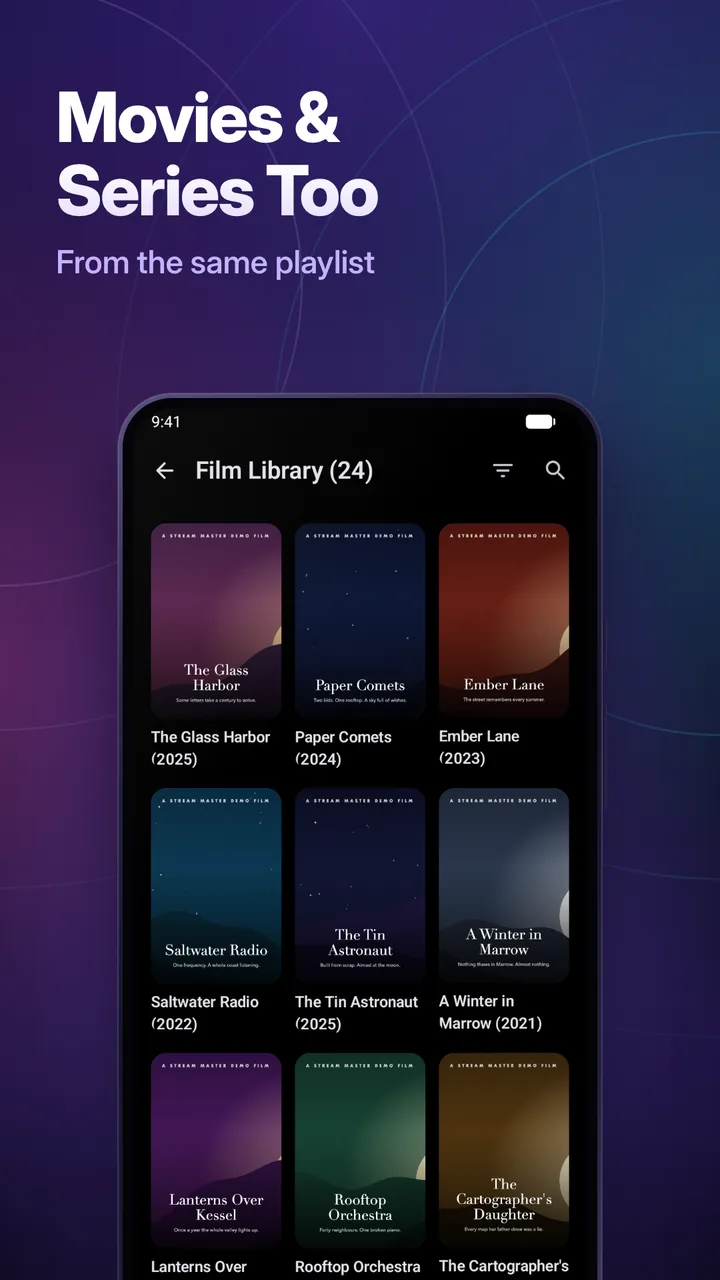
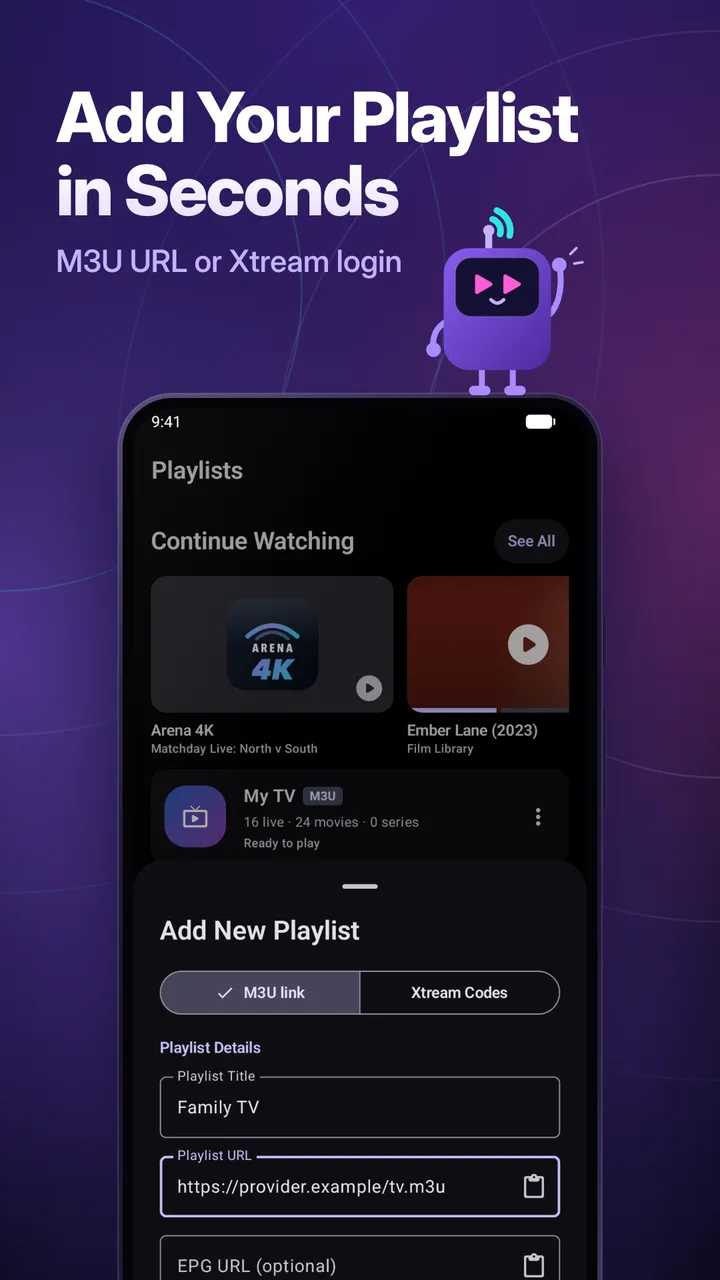
Add an M3U or M3U8 link, or an Xtream Codes login (server, username and password). Live TV, movies and series appear in your provider's categories, with search across all of them.
TV guide (EPG)
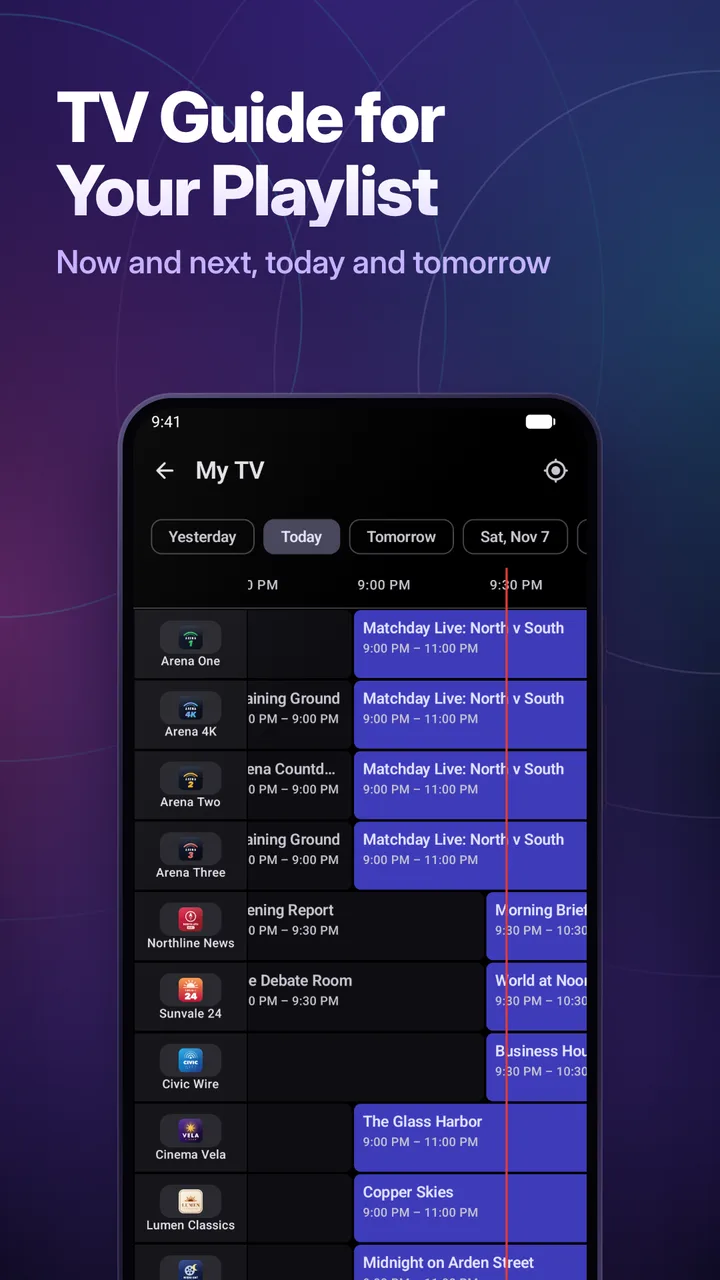
Now and next on every channel and a guide grid for today and tomorrow. Xtream playlists bring their own guide; M3U playlists use XMLTV, from the playlist itself or a link you add.
Program reminders
Set a reminder from the guide and get a notification when the show starts.
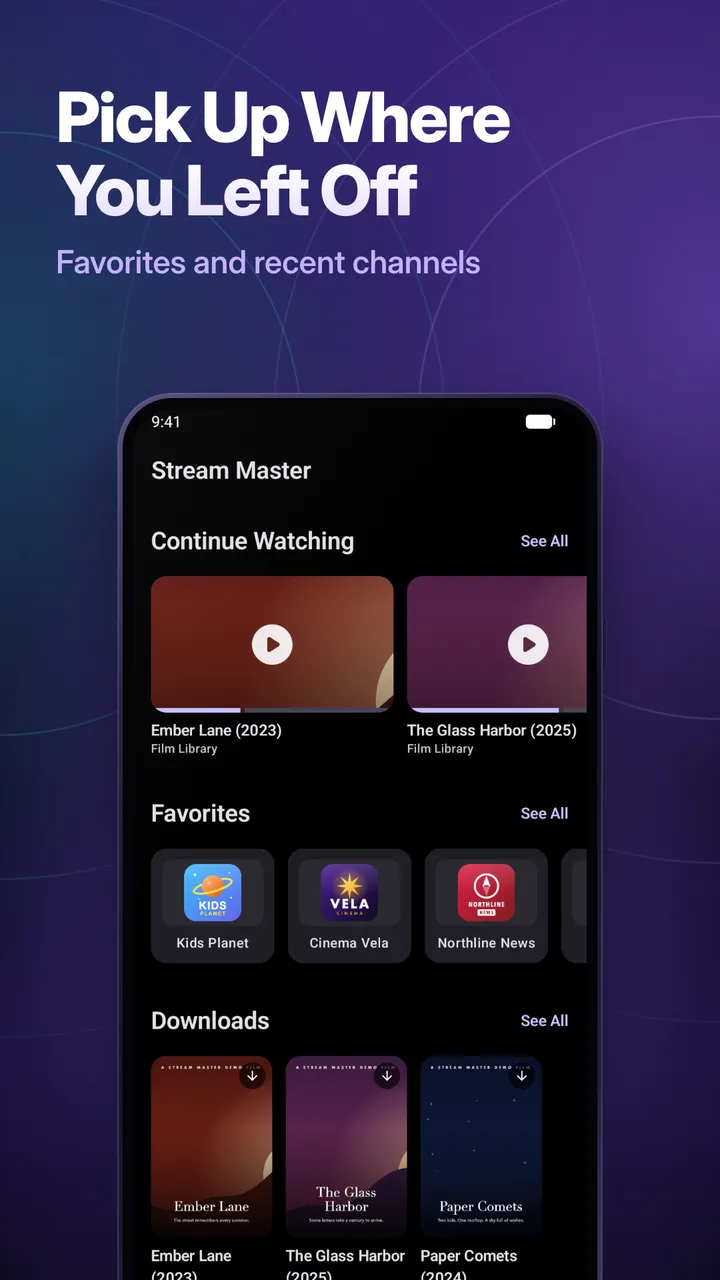
Continue Watching and favorites
Pick up where you left off, star the channels you watch most and look back through your watch history.
Picture-in-picture
Keep a channel playing in a small window while you use other apps.
Two playback engines
Media3 (ExoPlayer) and a VLC-based engine, chosen automatically. HLS, MPEG-TS, MKV, AVI and more; dropped live streams recover, and a failing channel offers another quality or the next channel.
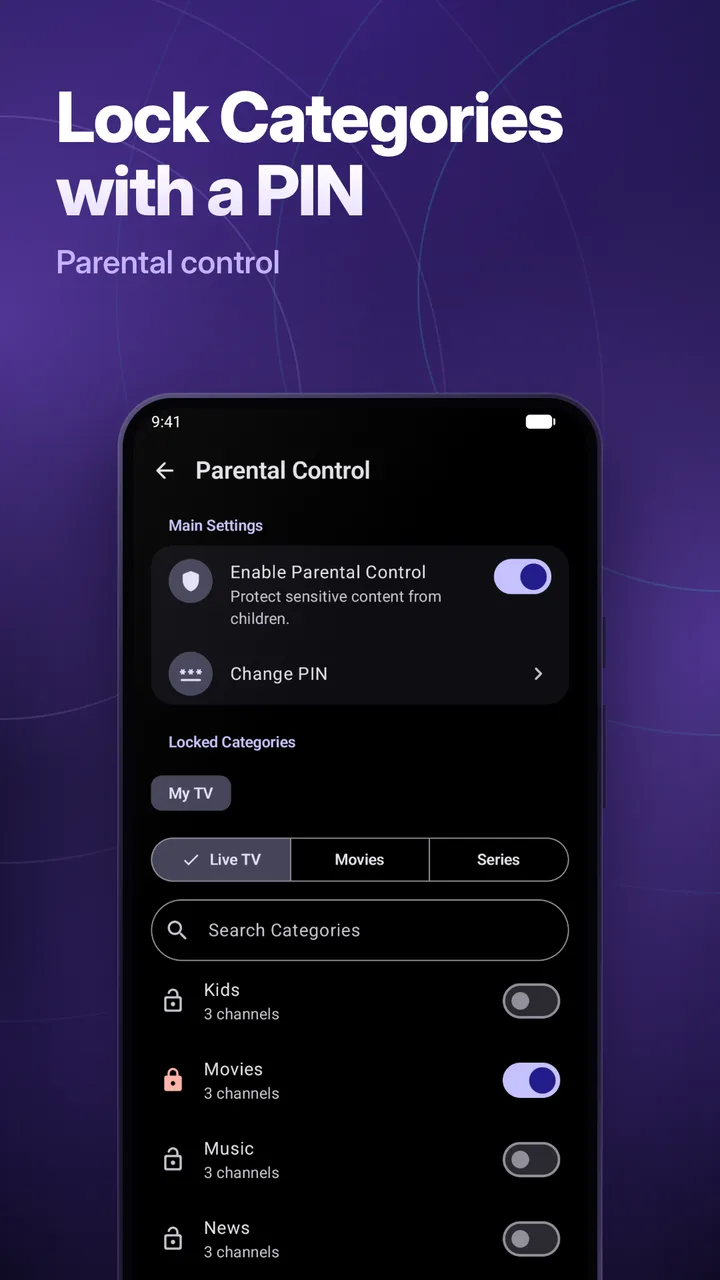
Parental control
Lock categories with a 4-digit PIN.
Share a playlist
Send a playlist to someone with a link or a QR code; the link opens the app on their phone.
Made for Android
Light and dark themes, optional Material You colors on Android 12 and later, and 15 languages you can set per app.
Premium
Multi-View, catch-up, recording and Chromecast
Premium is the same app with the limits removed. Upgrade inside the app: monthly or yearly (the yearly plan has a 7-day free trial where offered), or a one-time lifetime purchase, billed by Google Play.
Unlimited playlists and favorites
Free has one playlist and up to five favorites. Premium removes both limits.
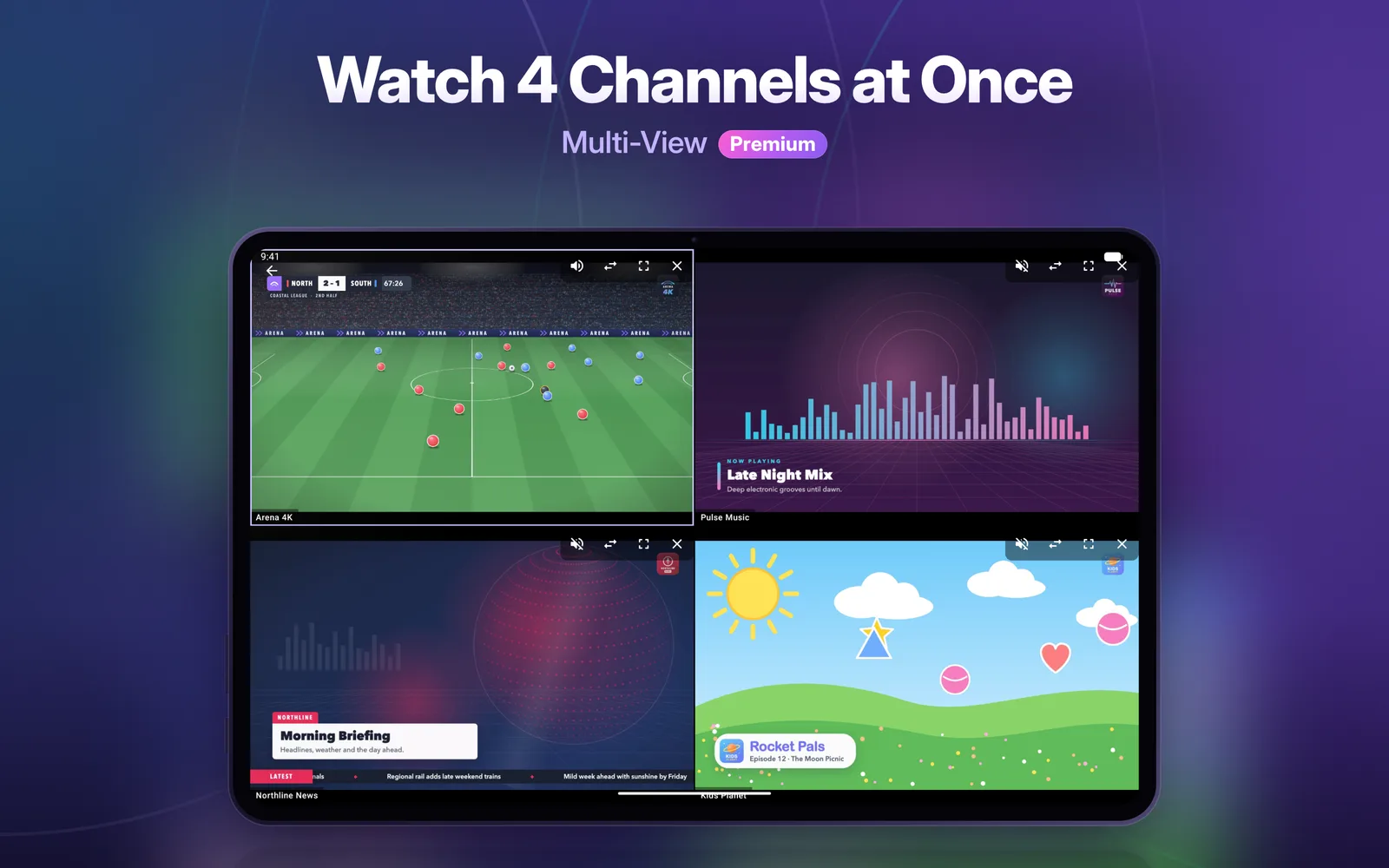
Multi-View
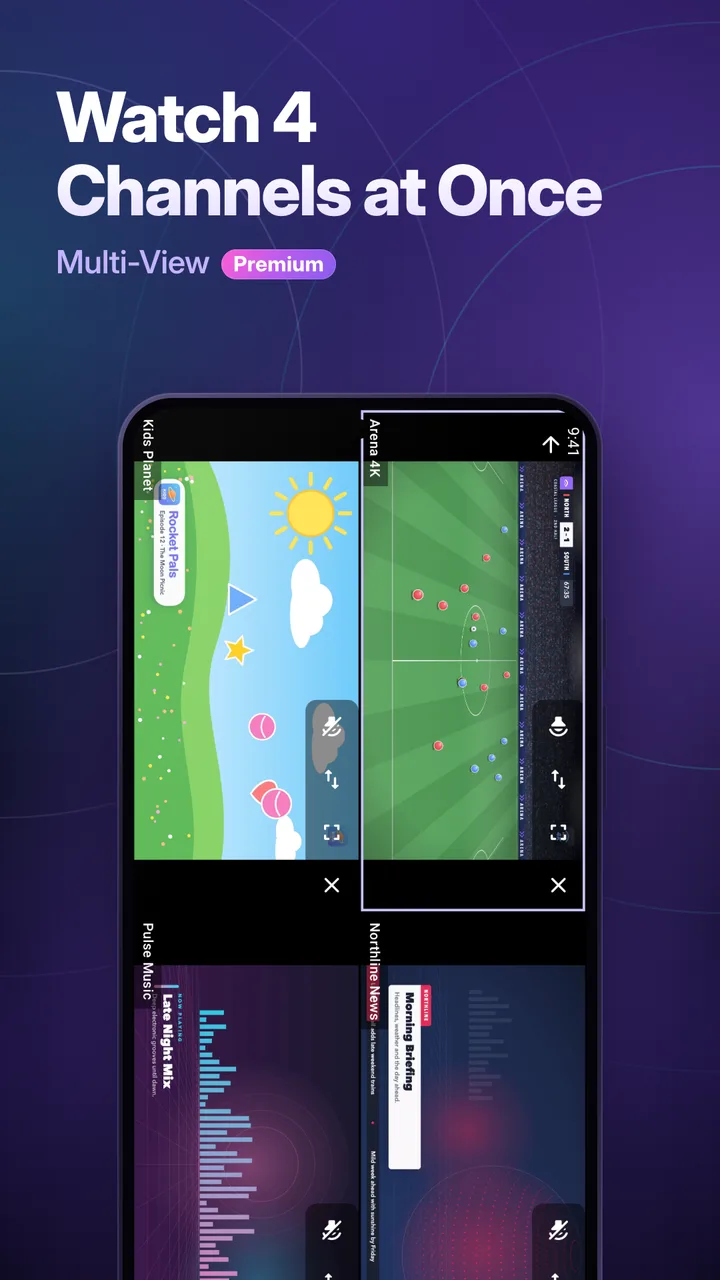
Watch up to four channels at once.
Catch-up
Replay past programs from the guide on Xtream channels your provider archives.
Recording (DVR)
Record live TV and watch it later.
Offline downloads
Download movies and series episodes and watch them without a connection.
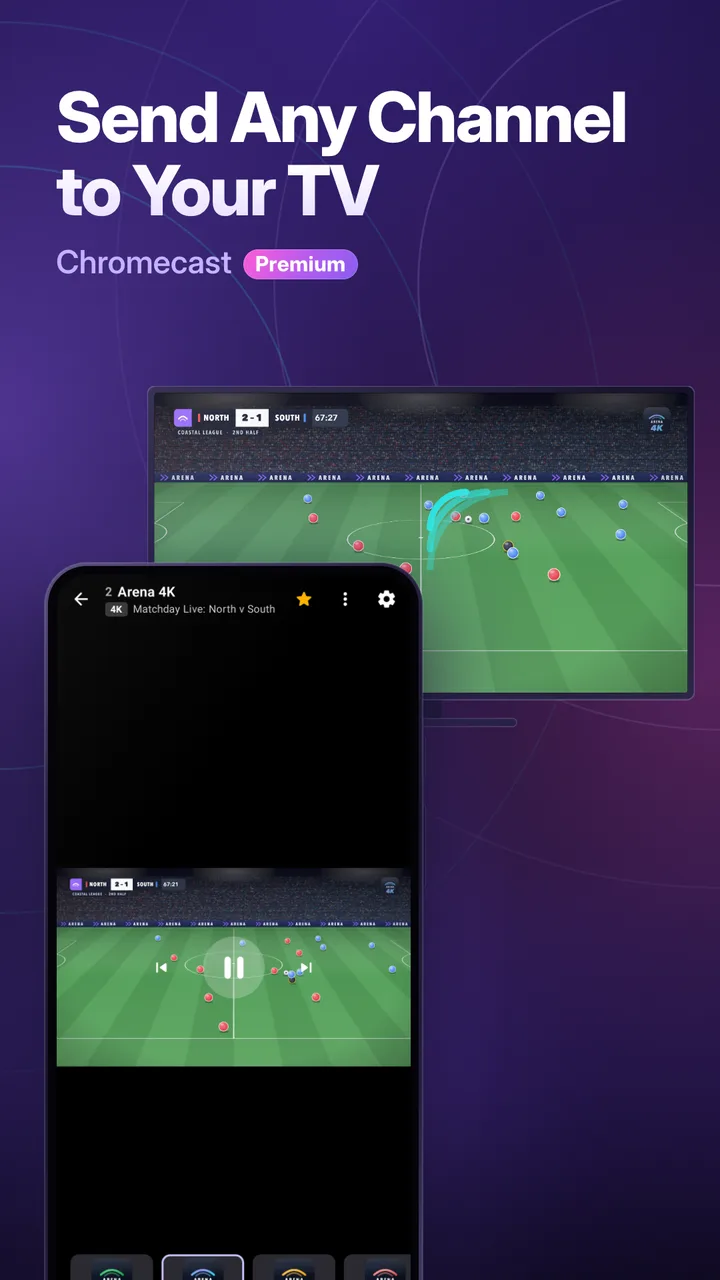
Chromecast
Send a channel or a movie to your TV with Google Cast.
Watch stats and no ads
See your viewing stats. The free version shows ads; Premium removes them.
Setup
Ready in a minute
- 1
Install from Google Play
Get Stream Master from Google Play on a phone or tablet with Android 8.0 or later. It is free to start.
- 2
Add your playlist
Open Playlists, add a new playlist and choose M3U link or Xtream Codes, then paste the details your provider gave you.
- 3
Watch
Live TV, movies and series load into your provider's categories, with the TV guide alongside. Upgrade to Premium inside the app whenever you want more.
Requirements
- System
- Android 8.0 or later
- Devices
- Android phones and tablets
- TV
- No Android TV, Google TV or Fire TV app. Cast to the TV with Chromecast (Premium).
- Playlist
- Your own M3U link or Xtream Codes login from your provider
- Account
- None to create
Coming from iPhone?
Stream Master on Android is the same player with the same free and Premium split, but it is a separate app in a separate store. Premium bought in the App Store (iPhone, iPad and Apple TV) does not carry over to Google Play, and Google Play Premium does not carry over to Apple devices: each is its own purchase. Playlists do not sync between the two either, so add your M3U link or Xtream login again on Android.
Apple-only features
- AirPlay
- iCloud Sync (no playlist sync between devices)
- Apple TV app and Top Shelf
- Siri Remote
Using an Apple TV? See Stream Master for Apple TV.
Android questions
Is Stream Master available on Android?
Yes. Stream Master: IPTV M3U Player is on Google Play for Android phones and tablets running Android 8.0 or later. It plays your own M3U, M3U8 and Xtream Codes playlists.
Is there an app for Android TV, Google TV or Fire TV?
No. The Android app is made for phones and tablets. To watch on a TV, Premium users can send a channel or movie to a Chromecast or Google Cast device from the player.
Does Stream Master come with channels?
No. Stream Master is a player only. It does not provide, sell or include any channels or subscriptions; you add the playlist you already have from your own provider.
What is free and what needs Premium on Android?
Free includes one playlist, up to five favorites, the TV guide, reminders, picture-in-picture, parental control and playlist sharing, with ads. Premium adds unlimited playlists and favorites, Multi-View, catch-up, recording, offline downloads, Chromecast and watch stats, and removes ads.
Does my iPhone or iPad Premium work on Android?
No. App Store Premium (iPhone, iPad and Apple TV) and Google Play Premium (Android) are separate purchases, because each store handles its own billing. Premium on Android covers the Android devices signed in to the same Google account.
How do I pay for Premium and cancel it?
Premium is a monthly or yearly subscription (the yearly plan has a 7-day free trial where offered) or a one-time lifetime purchase, billed by Google Play. Manage or cancel a subscription in Google Play under Payments & subscriptions.
Does the TV guide work with M3U playlists on Android?
Yes. M3U playlists use an XMLTV guide: the playlist's own guide address, or an XMLTV link you add. Xtream Codes playlists get the guide from the provider.
Your playlist, on your Android phone.
Free on Google Play. Premium is one tap away inside the app.